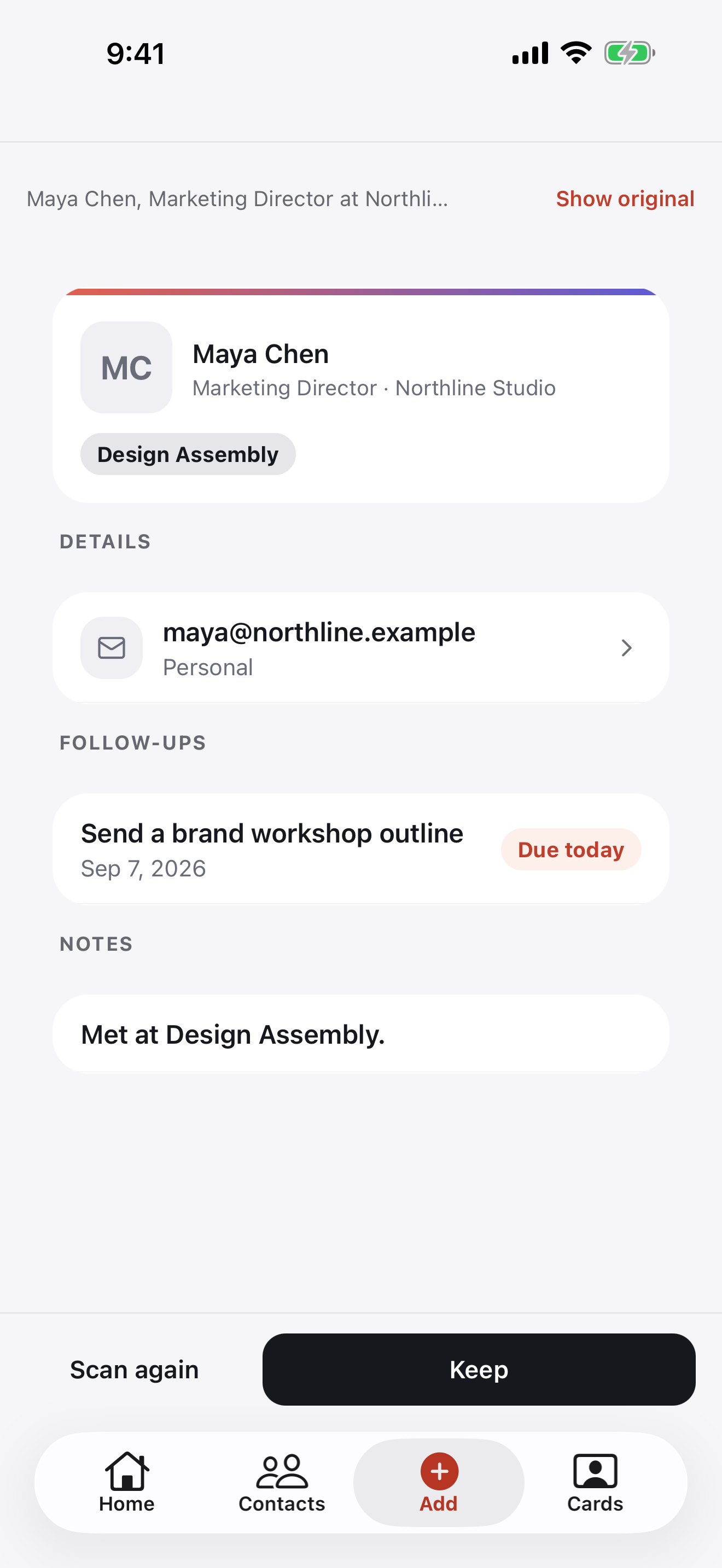
Stop typing contact details by hand.

Scan a paper business card or import a LinkedIn QR code. Review the extracted details before saving your new contact.

Compare Free and Pro
Reviewing contact details extracted from a paper business card Reviewing contact details extracted from a paper business card

Scan what they hand you

Turn the card you receive into contact details you can use later.

  • Scan a paper business card with your camera
  • Import a contact from a LinkedIn QR code
  • Capture several cards with batch scanning on Pro

Free includes 25 AI credits/month, including up to 10 card scans. Pro includes 500 AI credits/month, including up to 300 card scans, plus batch scanning. Compare Free and Pro
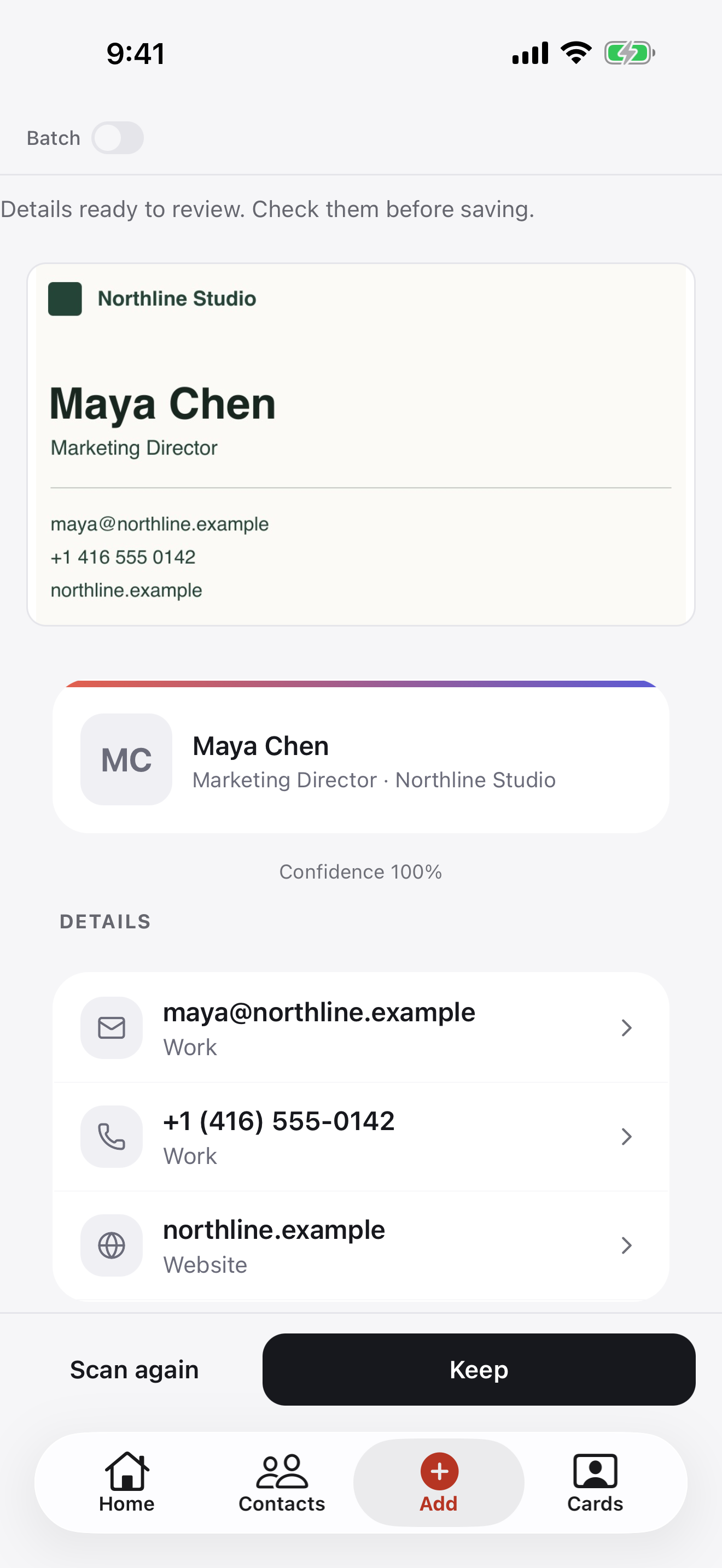
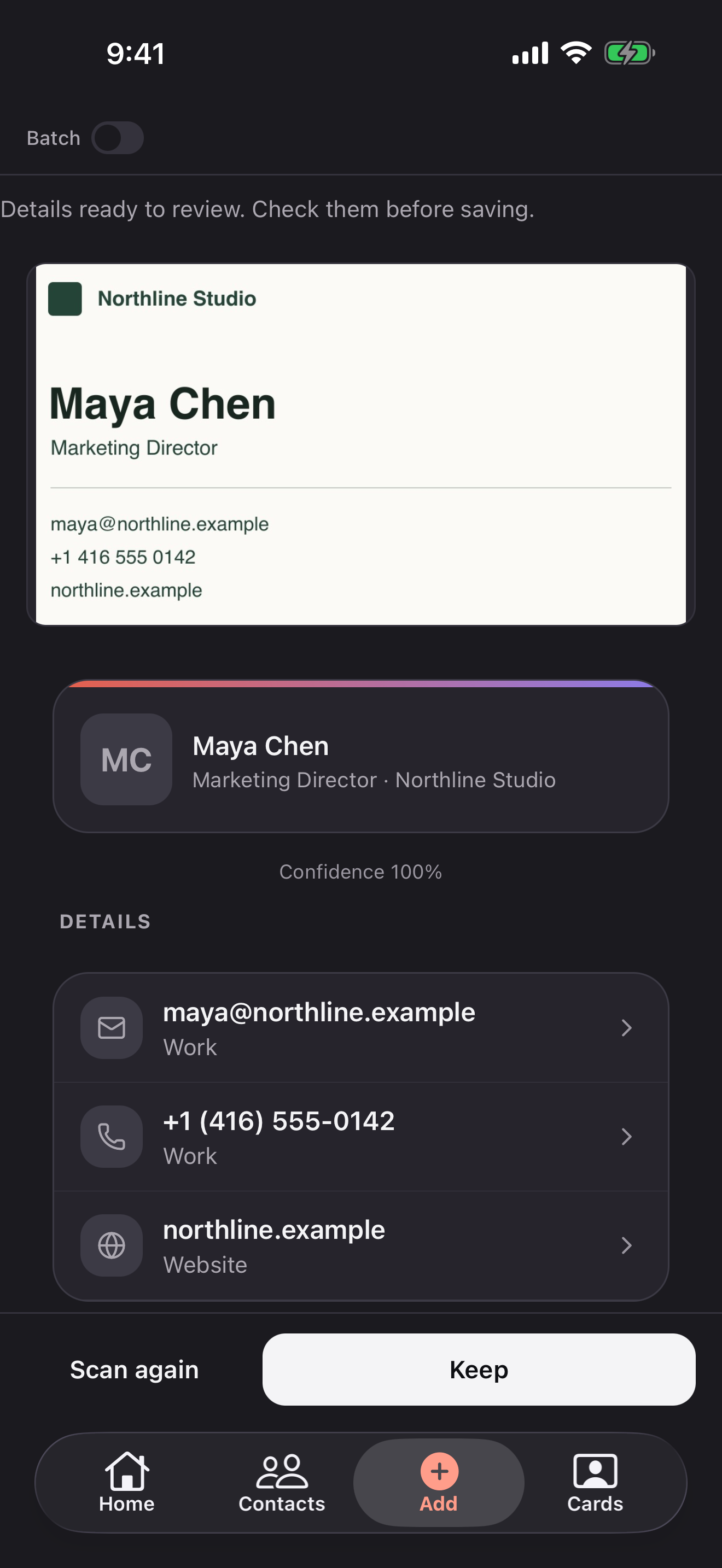
Maya Chen’s scanned business card and extracted contact details Maya Chen’s scanned business card and extracted contact details

Review before you save

Check the extracted details and correct anything that needs a second look.

  • Review names, phone numbers, and email addresses
  • Edit the details before saving
  • Add context so you remember where you met
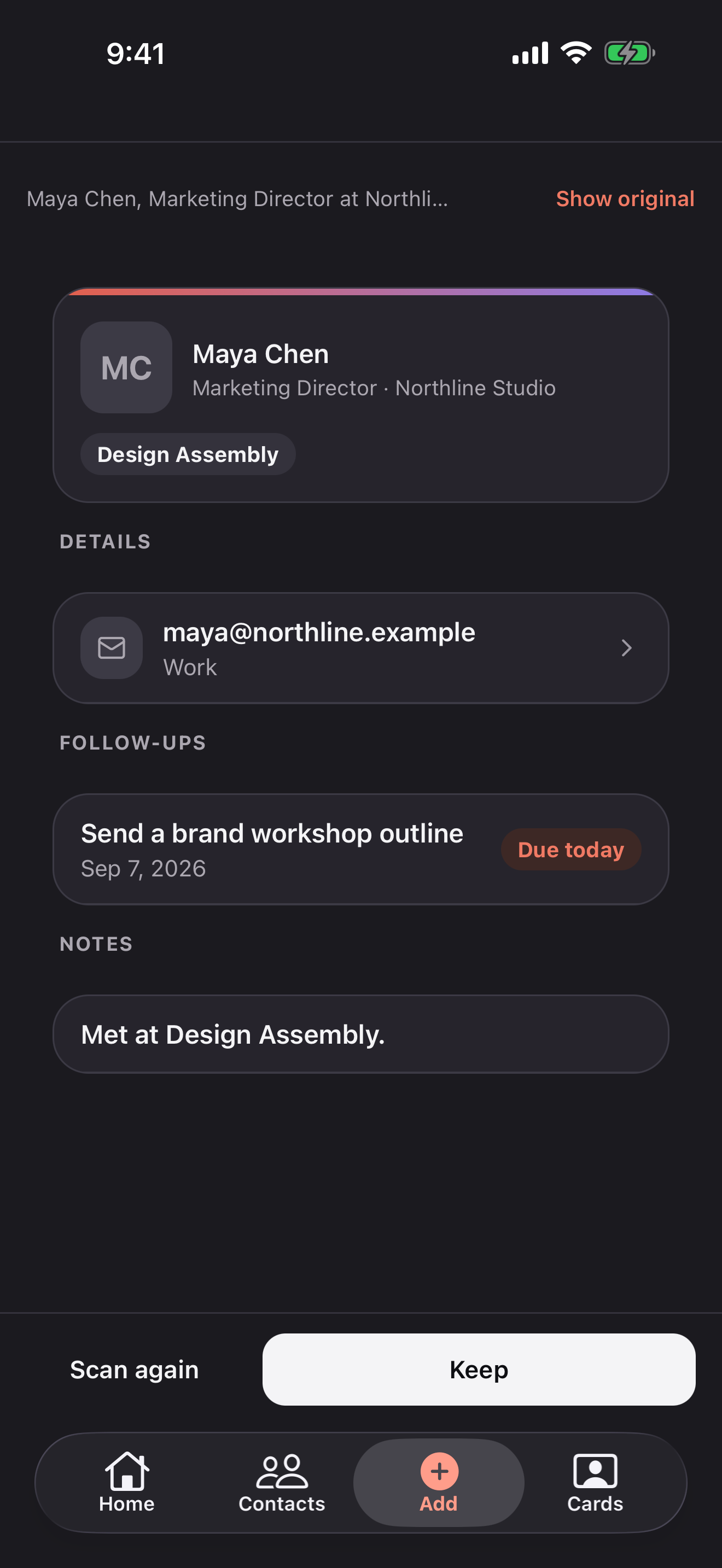
Reviewing Maya Chen’s contact details extracted from text Reviewing Maya Chen’s contact details extracted from text

Explore more of Briove.

Save your next contact without typing.

Free to start on iOS and Android. Subscribe to Pro in the app.