Share contact details they can save in seconds.

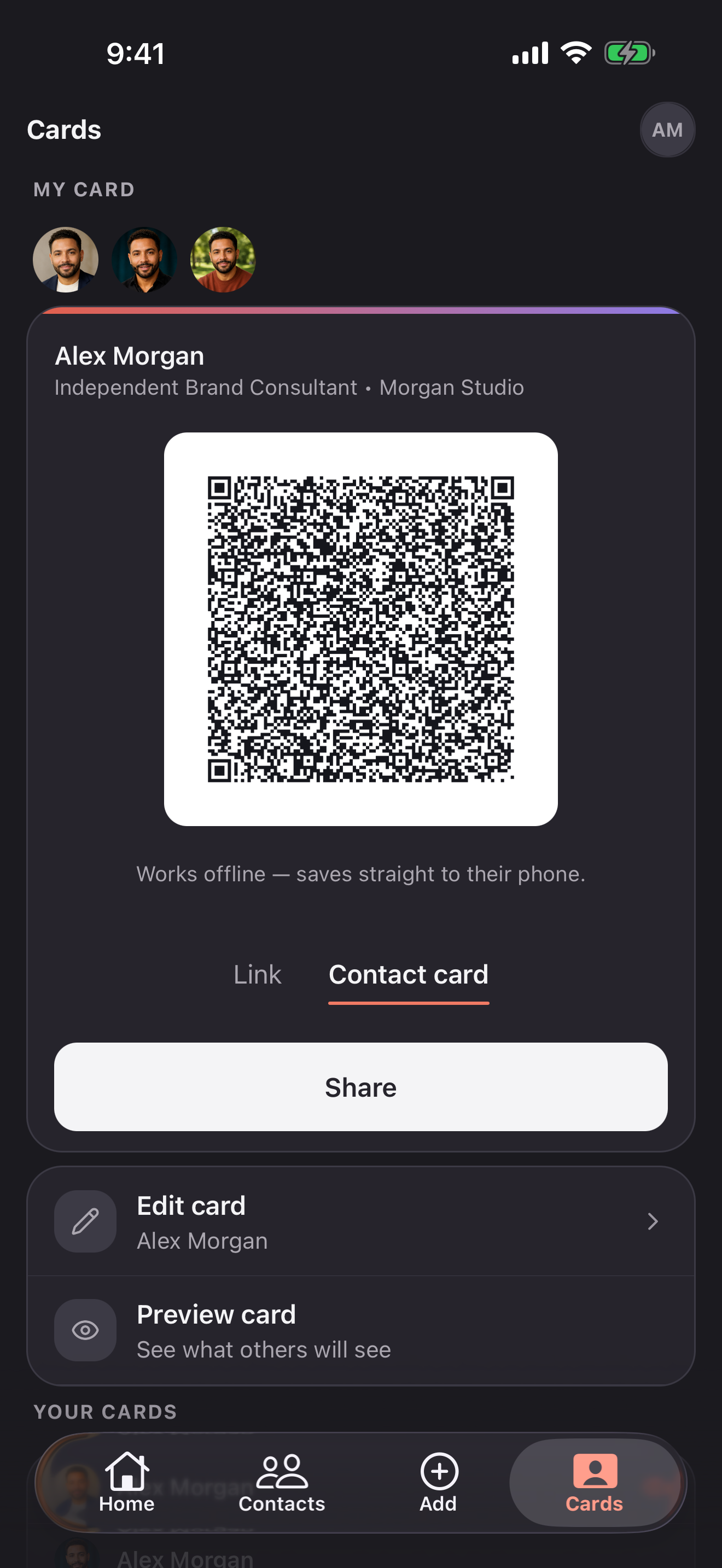
Show your QR code or send your link. They can open your profile and save your details without installing Briove.

Compare Free and Pro
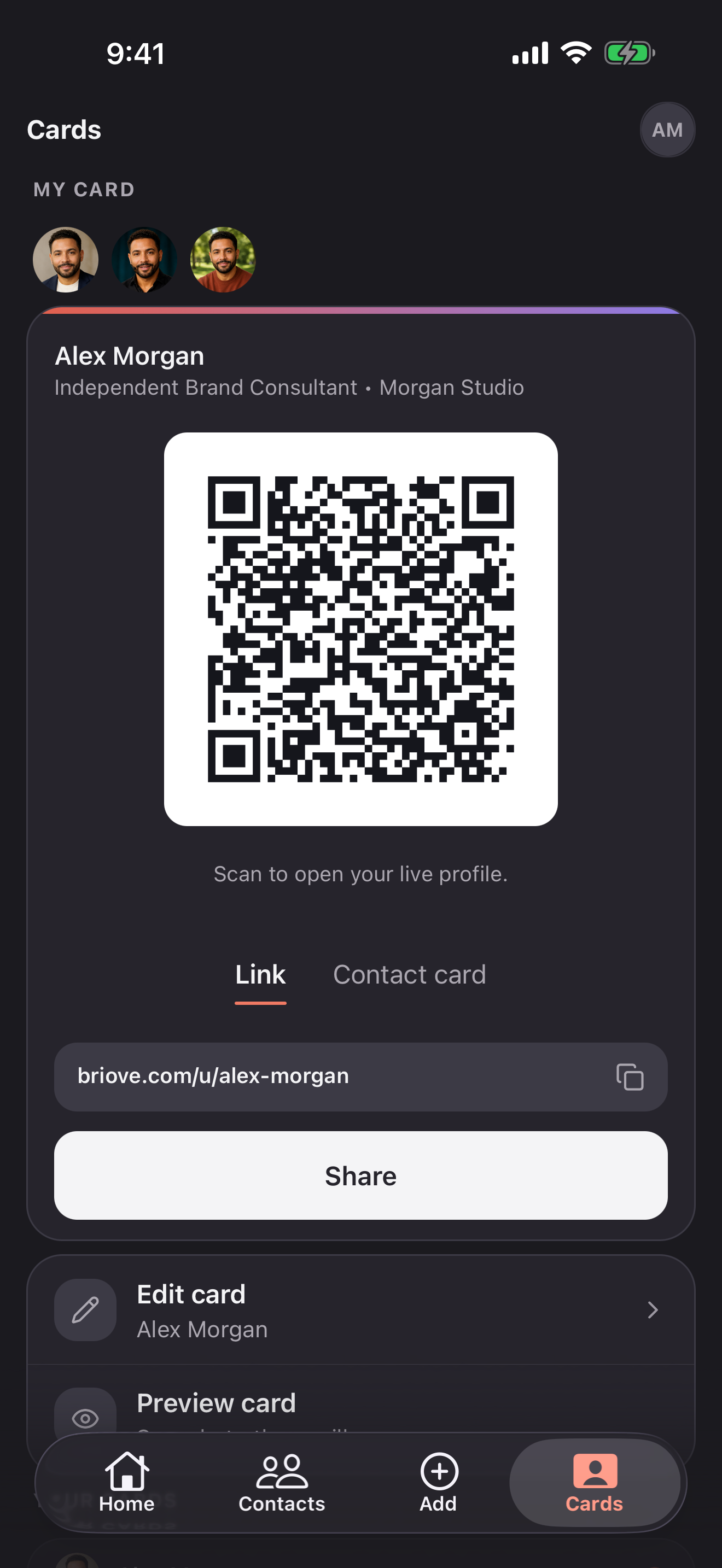
Sharing a Briove digital business card via QR code Sharing a Briove digital business card via QR code

Share in seconds

At a conference or over coffee, show your QR code and let the other person save your details.

  • They scan your QR code and open your profile
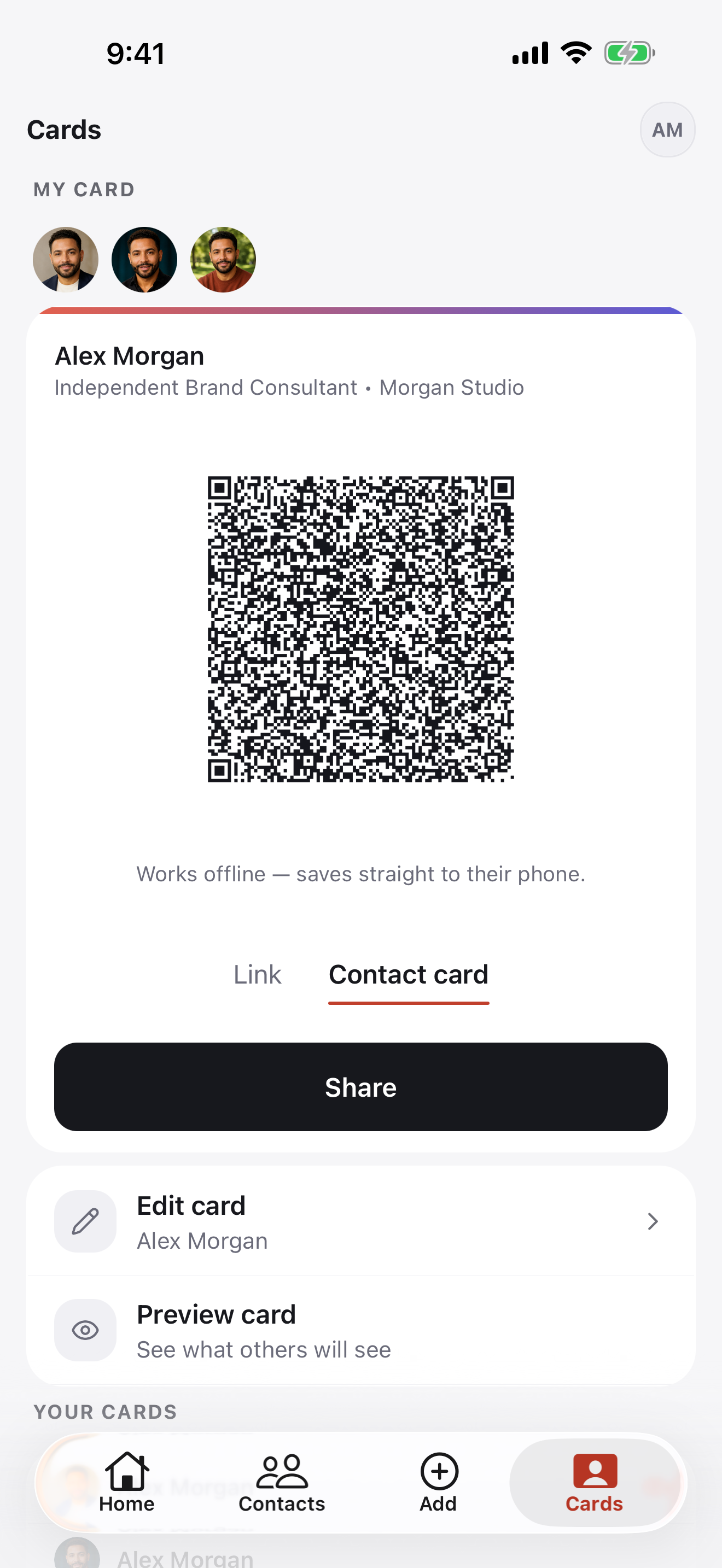
  • They choose to save your details to their phone contacts
  • You can also send your profile link by email or message
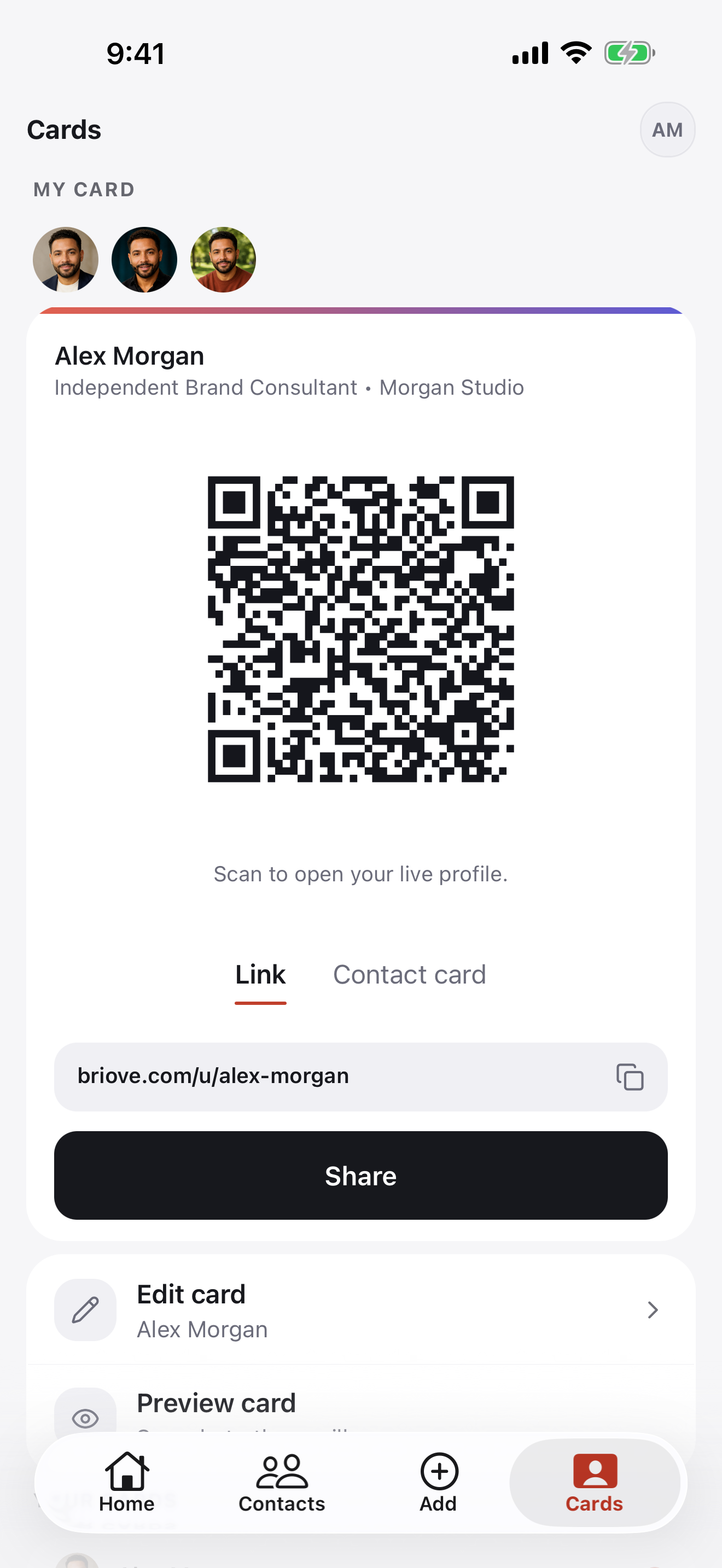
A Briove card being shared by QR code A Briove card being shared by QR code

Share more about your work

Give a new contact a way to explore your work after the conversation.

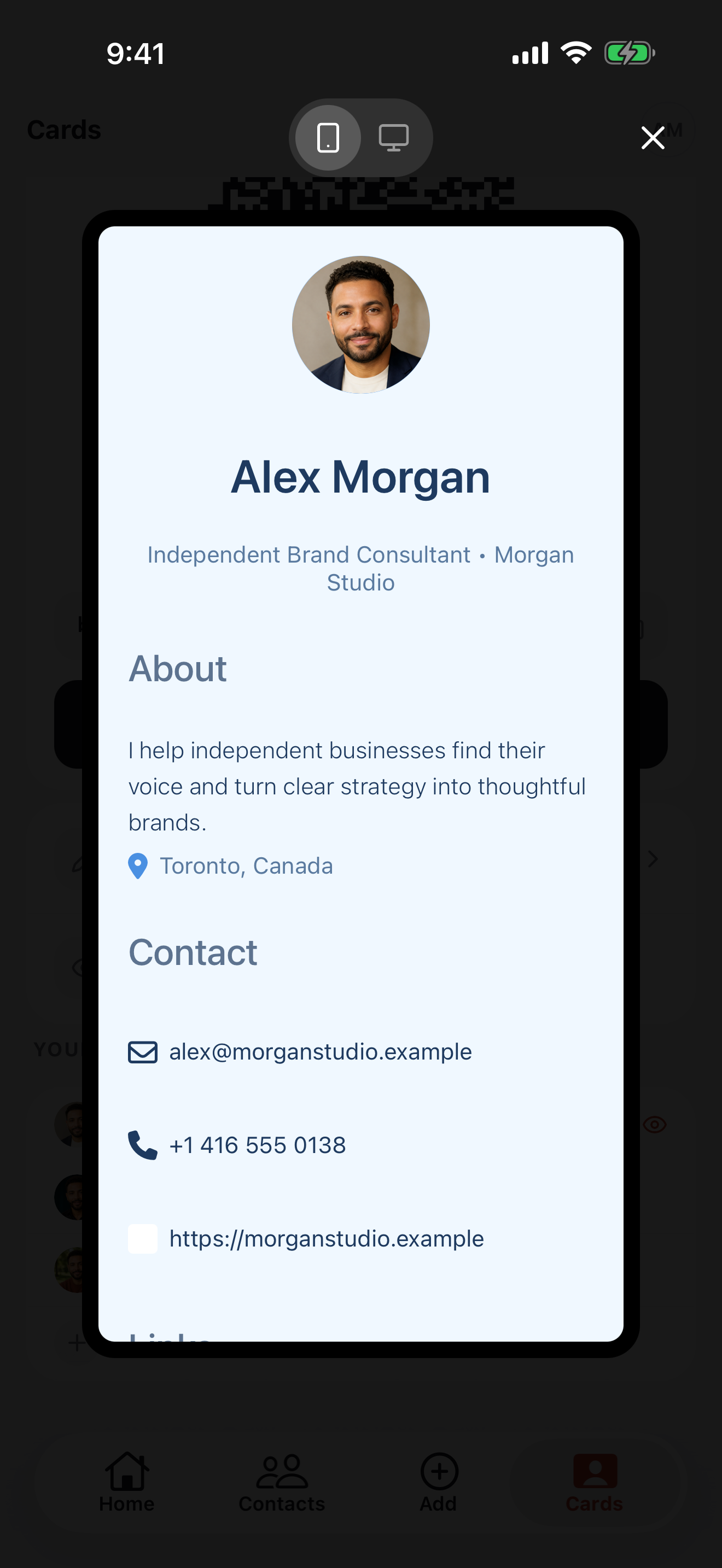
  • Your photo, bio, and contact details
  • Links to your portfolio, website, and socials
  • Separate profiles for different roles with Pro

Free includes one profile and QR sharing. Pro adds up to five profiles and premium themes. Compare Free and Pro

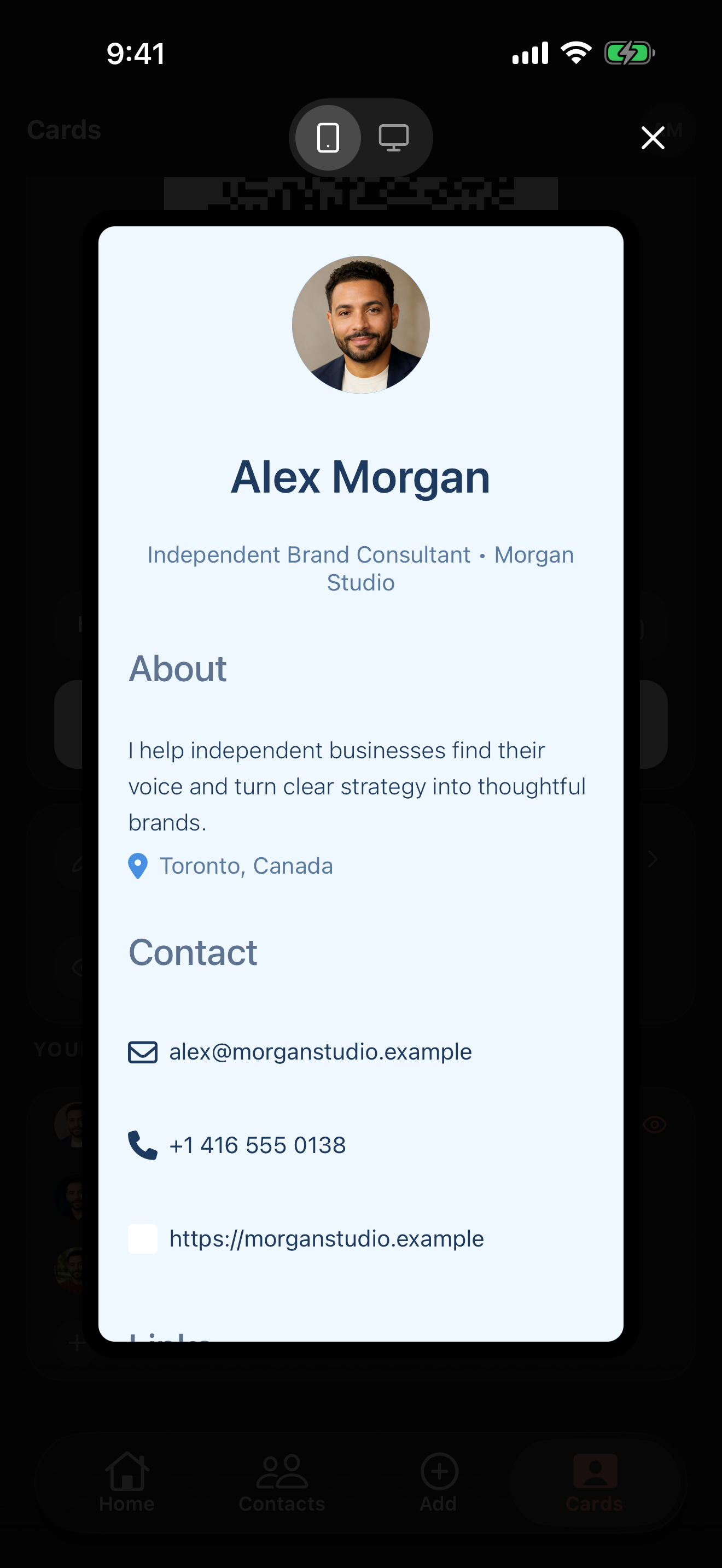
Preview of a Briove digital business card Preview of a Briove digital business card

Share without printing

Keep your card on your phone and your public profile up to date.

  • Reuse your QR code for your next introduction
  • Update your online profile when your details change
  • Share again without ordering another print run
A Briove profile with its QR code ready to share A Briove profile with its QR code ready to share

Explore more of Briove.

Be ready for your next introduction.

Free to start on iOS and Android. Subscribe to Pro in the app.